





Best Hardware Wallet: Top 10 Picks in July 2026
We may earn commissions from affiliate links or include sponsored content, clearly labeled as such. These partnerships do not influence our editorial independence or the accuracy of our reporting. By continuing to use the site you agree to our terms and conditions and privacy policy.

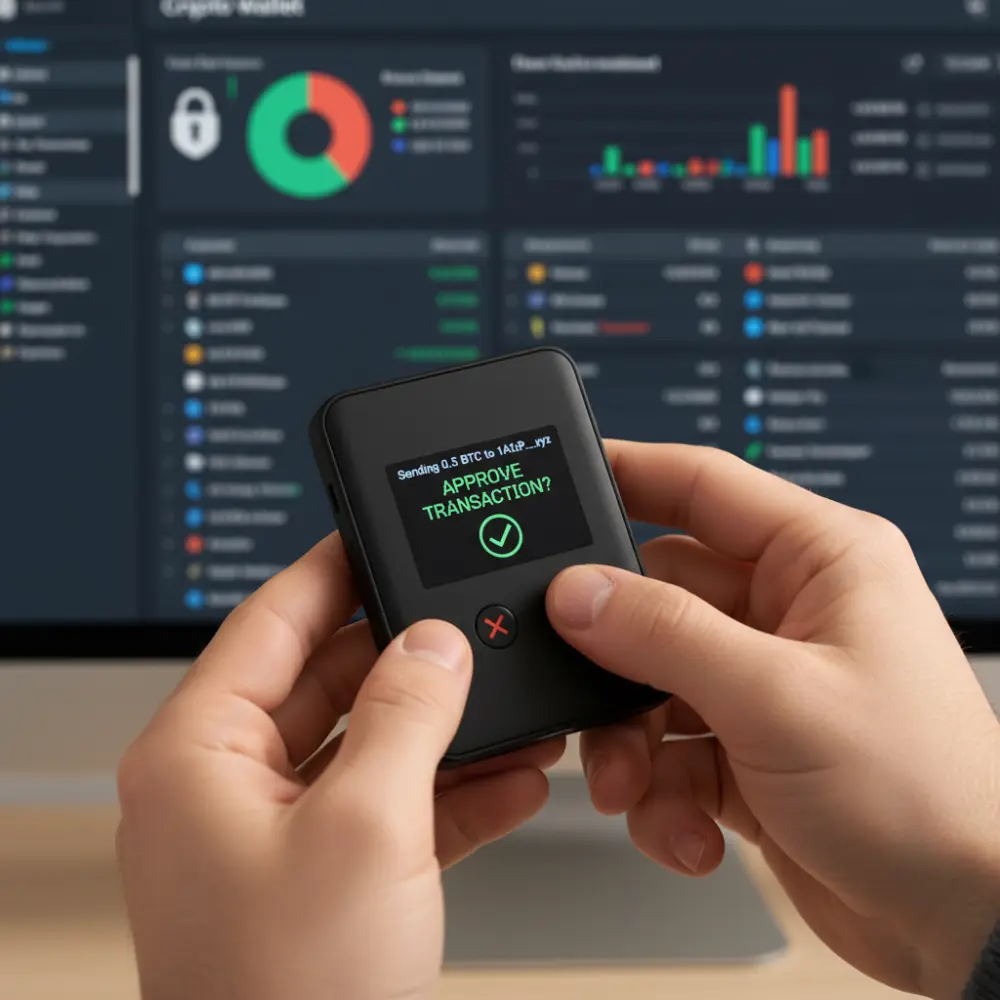
Looking to lock down your crypto stack without turning your desk into a SOC bunker? The best hardware wallets give you maximum security for long-term holdings while still letting you approve transactions on a physical device.
The picks below cover sleek touchscreens, fully air-gapped “cold wallets,” and NFC card setups.
But let’s not waste any more time and get started!
Best Hardware Wallets: Reviewed
If you’re to put your digital assets somewhere, you have to know which hardware wallet will be the perfect fit for you.
Here are 10 great wallets that will keep your Bitcoin and other crypto assets protected.
1. Ledger Stax
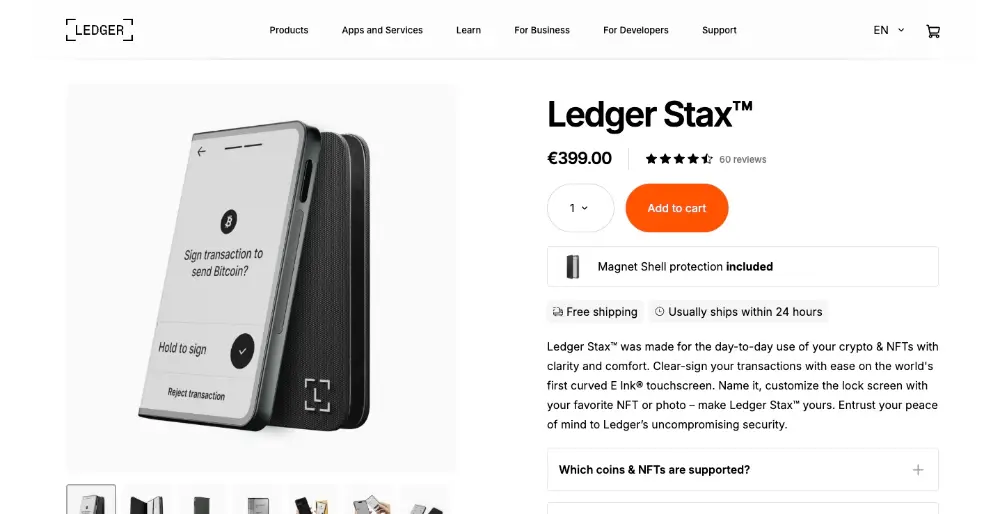
Ledger Stax is the “if Apple designed a hardware wallet” vibe – curved E-Ink touchscreen, magnetic stacking, wireless charging, and deep integration with the Ledger Live app. It supports a massive range of crypto assets and NFTs, and the secure element keeps keys isolated from online threats. It is the most premium Ledger wallet. Ledger makes the manufacturing process and materials feel luxe, and the UI makes confirmations dead simple. Stiil, t’s pricey, closed-source firmware, and the Bluetooth stack, while hardened, adds attack surface. If you want a flagship experience and you’re okay with Ledger’s approach, Stax slaps.
Pros
- Gorgeous E-Ink touchscreen; easy to verify addresses and details
- Huge asset support via Ledger Live; staking and swaps in-app
- Secure element; on-device confirmation for every action
- Wireless charging + magnets; pocketable and polished hardware
Cons
- Expensive vs. other “cold storage” options
- Closed firmware; transparency-maxi users may prefer open-source
2. Ledger Flex
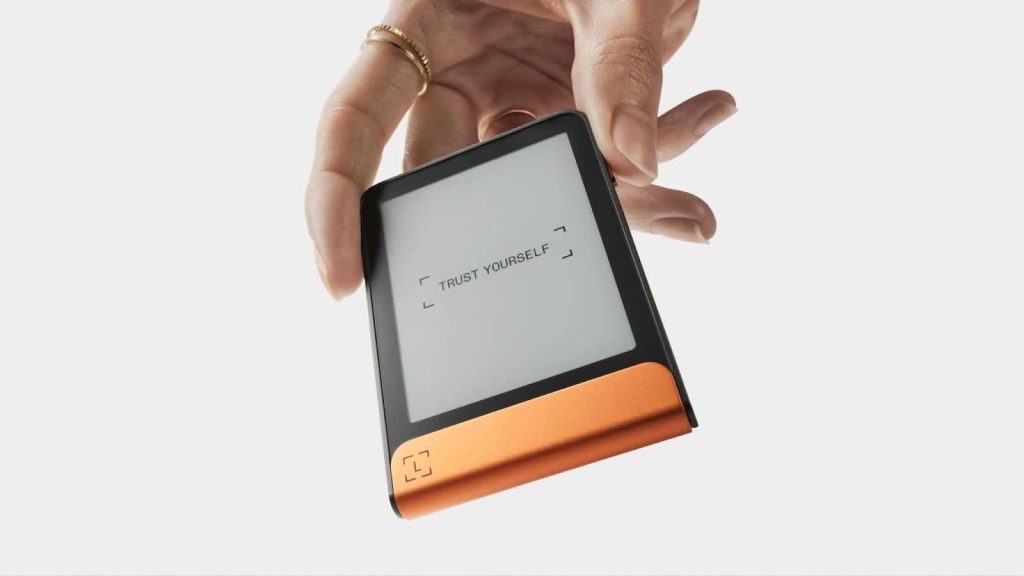
Ledger Flex sits between Nano X and Stax: E-Ink touch, Bluetooth functionality, USB-C, and NFC. You get the convenience to manage portfolios from mobile or desktop with the live app, plus support for thousands of tokens. It’s lighter than Stax and cheaper, but still premium. It’s great if you want a modern screen without going all-in on Stax pricing. Well, you still have the closed firmware, and connection options (BT/NFC) mean you must respect OPSEC, so pair only with devices you trust and keep firmware updated.
Pros
- Touchscreen clarity for address checks and approve transactions
- Multi-connect (USB-C/BT/NFC) for laptop, Android, and iOS
- Strong secure element; passphrase support for hidden accounts
- Wide coin/NFT support; Ledger support and ecosystem are mature
Cons
- Not the cheapest; features may vary slightly by firmware/app region
- Proprietary stack vs. fully open alternatives
3. Trezor Model T
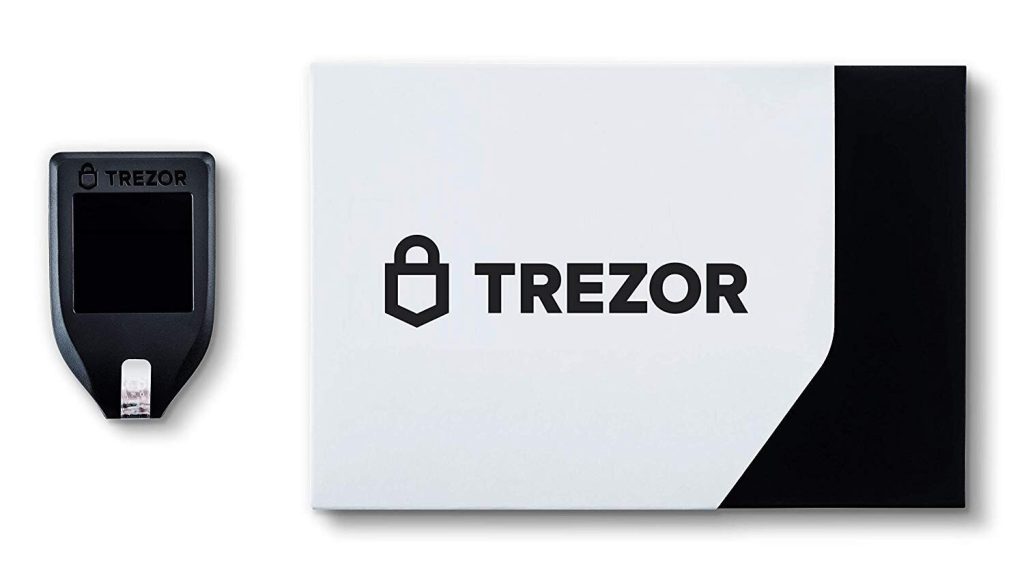
The Model T is the open-source darling: color touchscreen, Trezor Suite desktop, and advanced backups like Shamir. No dedicated secure element; instead, Trezor leans on auditable code, tamper evidence, and good user flows. It shines for people who want to see the code and use an open toolchain. If your threat model demands an SE chip, look at Trezor Safe 3 or non-Trezor options. Otherwise, Model T is a workhorse with excellent UX and broad ecosystem support.
Pros
- 100% open-source firmware and Suite; huge community, more reviews
- Touchscreen makes passphrase entry safer on-device
- Excellent third-party integrations (MetaMask, Electrum, etc.)
- Shamir backup; flexible accounts and control
Cons
- No secure element; relies on transparency + user OPSEC
- Pricier than basic stick wallets
4. Cypherock X1
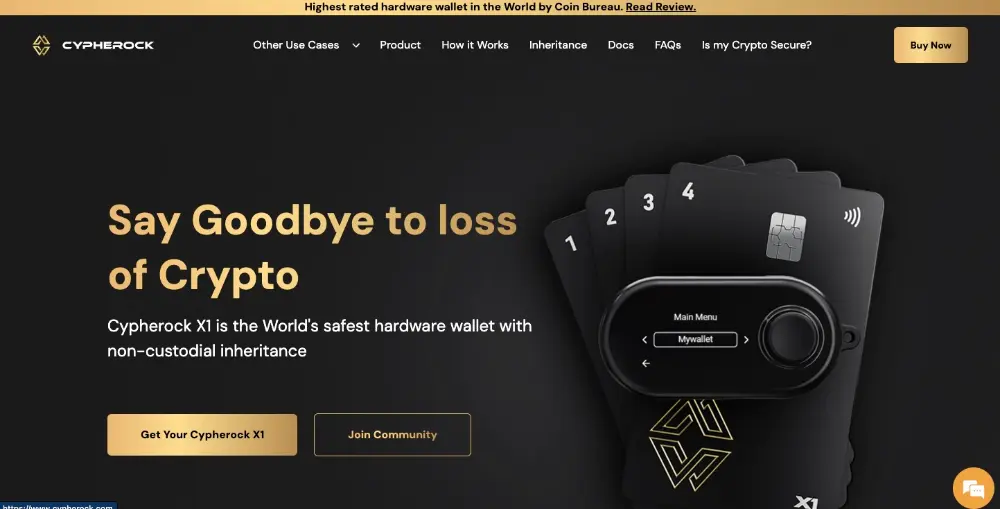
Cypherock flips the script: instead of a single seed, your key is sharded between a small vault and four NFC cards. Any two pieces can recover – no paper seed to get stolen. That makes it brilliant for reducing single-point-of-failure and for inheritance planning. It supports a boatload of coins and tokens, but requires the desktop app for daily ops. If you often transfer across EVM chains and want resilience against loss, this is a clever, maximum security play, as long as you commit to managing the cards properly.
Pros
- Seedless, shard-based recovery; powerful against physical theft/loss
- Supports many networks; solid for altcoin portfolios
- Open-source firmware; transparent design
- Inheritance flows built-in; human-friendly recovery
Cons
- Setup complexity (cards + vault); not plug-and-play for everyone
- Desktop-first workflow; less ideal for “phone-only” users
5. Ellipal Titan (2.0)
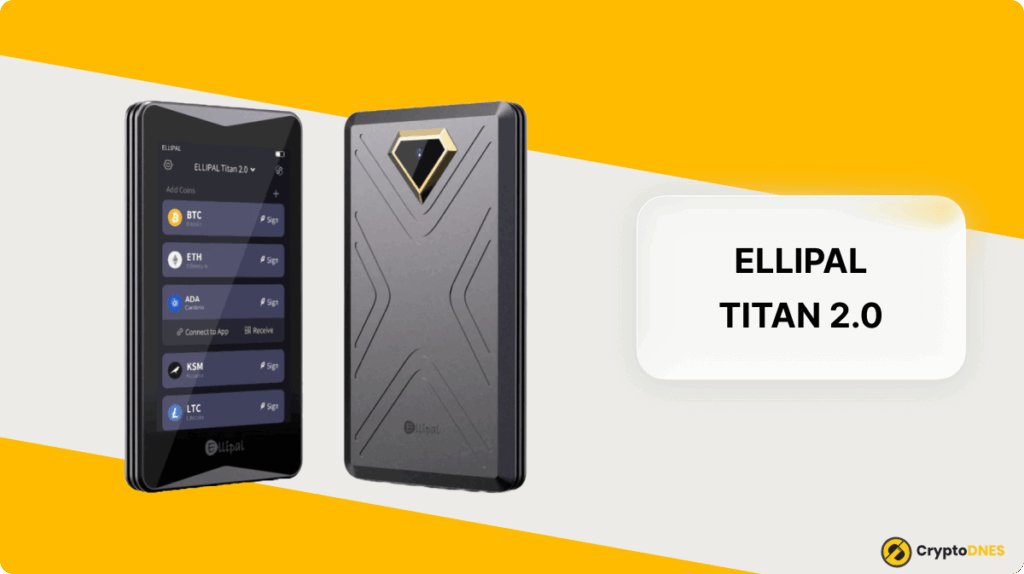
Ellipal is like a mini phone that never goes online. Ellipal Titan is fully air-gapped, which means no USB, no Bluetooth. You pass PSBTs/tx data via QR codes with the mobile app. The metal body has tamper-wipe, and a secure element guards keys. If you want cold wallets with zero radio/USB surfaces, this is chef’s kiss. But there’s a negative – QR workflows are slower, and firmware is closed. For long-term cold storage and occasional transactions, though, Titan is tough to beat.
Pros
- True air-gap; online threats massively reduced
- Metal body + tamper sensors; rugged physical device
- Large touchscreen; clear signing flows
- Broad asset support; WalletConnect via companion app
Cons
- QR signing is slower for frequent trades
- Closed firmware; updates via microSD require care
6. SafePal S1
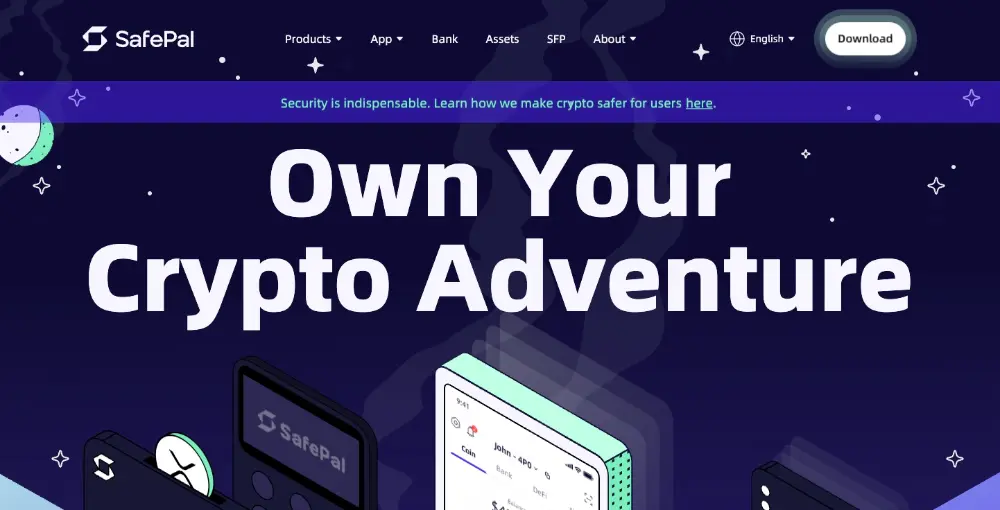
Backed by Binance Labs, SafePal S1 is a budget cold storage beast: camera for QR signing, no data over USB (charging only), and a secure element. It supports a wild number of coins/tokens and works with the SafePal app (swaps, DApps). For the money, it’s arguably the best “starter hardware” that still keeps keys offline. The tradeoff? Tiny screen and clunkier UX vs. touch devices; firmware is closed as well. But if your priority is cheap + air-gapped, S1 is a steal.
Pros
- Very affordable hardware wallet
- Full air-gap with QR flows; no BT/USB data paths
- Huge asset support; DeFi via WalletConnect in the app
- Self-destruct on brute force; passphrase supported
Cons
- Small screen; entering passphrases is tedious
- Closed firmware; update flow requires attention
7. Keystone 3 Pro
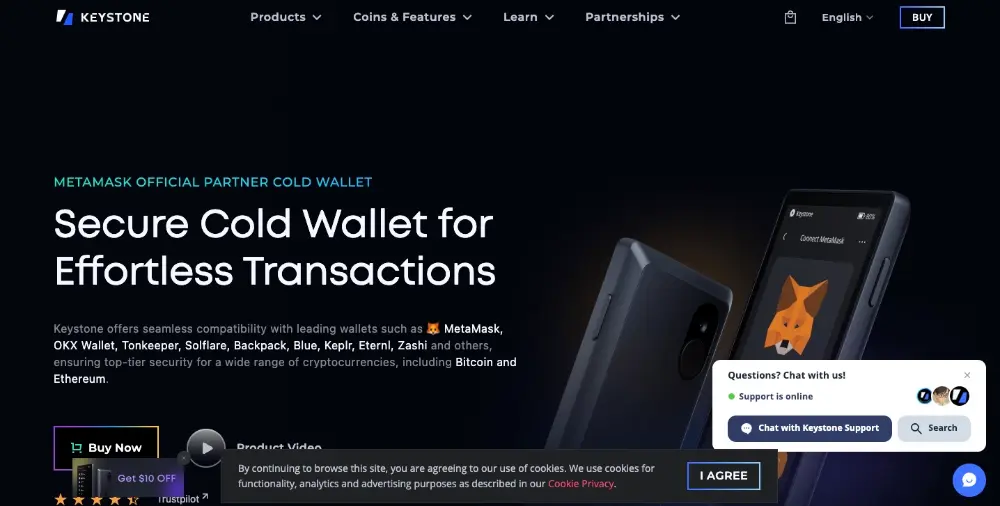
Formerly Cobo Vault, Keystone 3 Pro is another air-gapped machine with a big touchscreen, QR signing, and three secure chips (including one for self-destruct). It plays nicely with MetaMask (via QR), BlueWallet, Sparrow which are power user heaven. Firmware is open-source, and the device has fingerprint unlock (still requires PIN for critical actions). If you want modern UX, open code, and zero cables, Keystone earns its spot.
Pros
- Air-gapped QR signing; desktop and mobile friendly
- Multiple secure elements; robust against physical attacks
- Open-source firmware; strong community trust
- Fingerprint unlock + large screen for smooth approvals
Cons
- Bulkier than stick wallets; less pocketable
- QR flow is slower than straight USB for rapid-fire activity
8. CoolWallet Pro
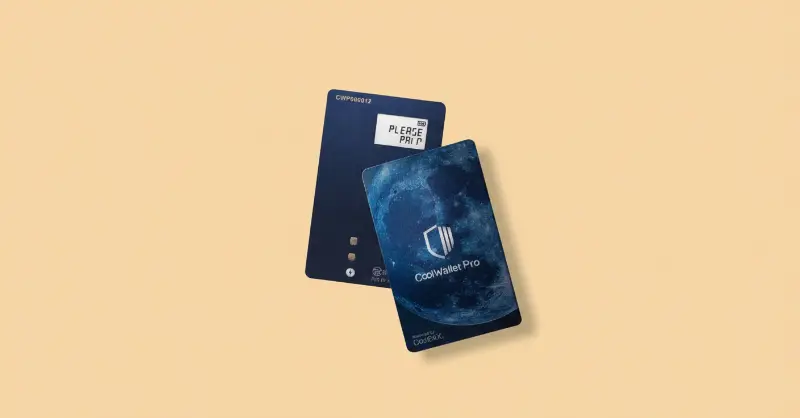
CoolWallet Pro hides in your wallet, literally! It’s a credit-card-thin device with a tiny e-paper screen and Bluetooth to your phone. That makes it great for travelers who want discreet, on-the-go approvals. It includes a secure element, supports many tokens, and the app covers swaps and staking. But it’s far from perfect – tiny display means limited on-card info, and it’s a closed stack. For mobile-first users who value stealth and convenience, it’s a vibe.
Pros
- Ultra-portable “card” form; fits next to your bank cards
- Bluetooth to iOS/Android; easy manage from phone
- Secure element; button confirmations on-card
- Solid chain/token coverage; staking in-app
Cons
- Very small screen; longer addresses scroll
- Closed firmware; app-centric ecosystem
9. D’Cent Biometric
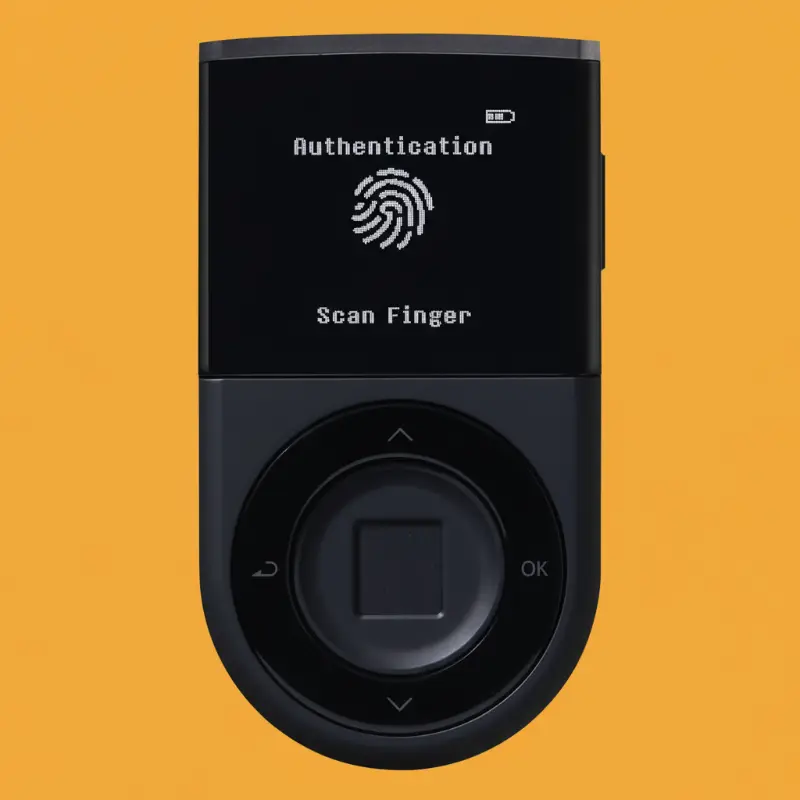
D’Cent mixes convenience and security with a fingerprint sensor plus PIN, Bluetooth mobile pairing, and a secure element. It covers thousands of assets and integrates with DeFi via WalletConnect. If you want fast mobile approvals and biometric unlock (still gated by PIN on reset), it’s a slick, mid-priced option. The disadvantages? Closed firmware and a smaller display than full touch units.
Pros
- Biometric unlock + PIN; quick daily access
- Bluetooth to smartphone; smooth mobile UX
- Wide asset support, NFTs & DeFi via app
- EAL5+ secure element; hardened key storage
Cons
- Closed firmware; trust the vendor’s audits
- Firmware updates can be finicky for some users
10. NGRAVE Zero
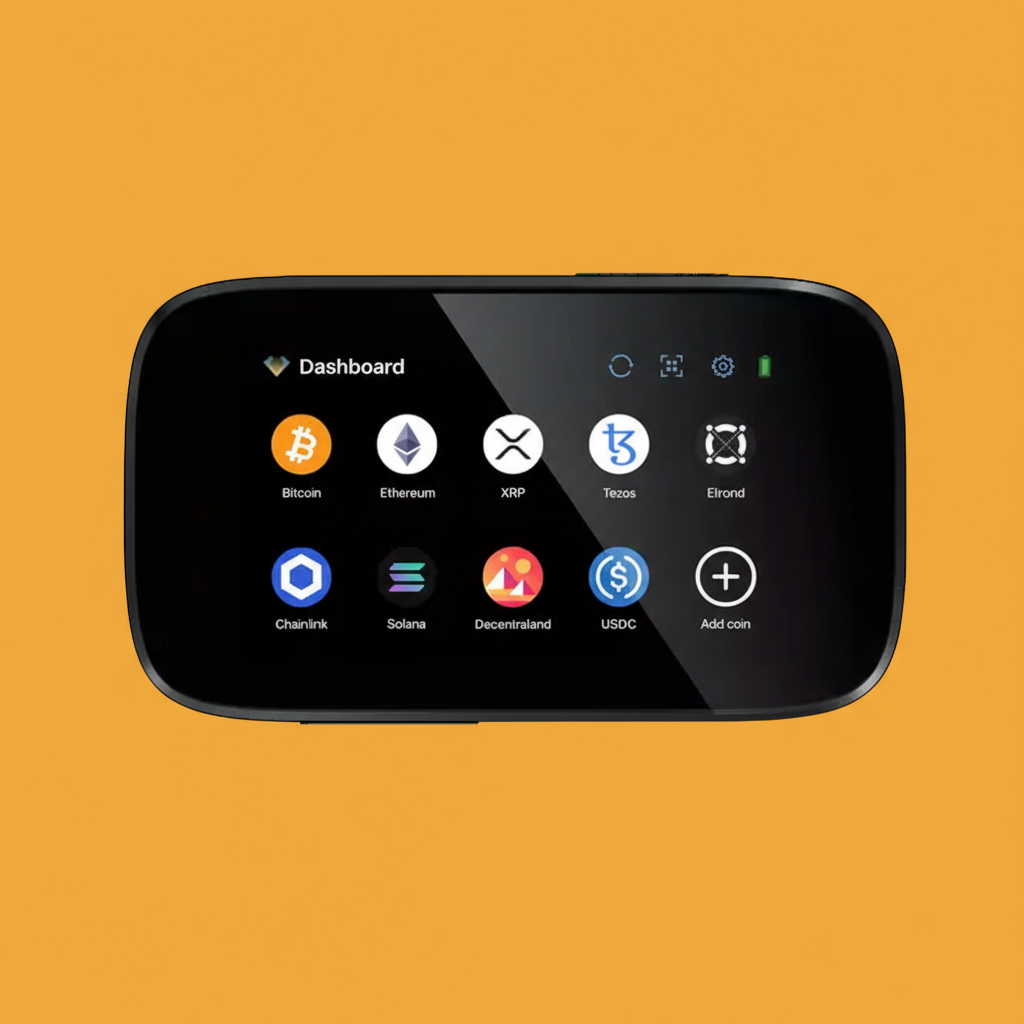
The NGRAVE Zero is the “paranoid but rightfully so” choice: EAL7 security, air-gapped by design (no USB/BT/Wi-Fi), large touch display, QR signing, and optional Graphene steel backup. It’s built for whales and pros who want the tightest isolation possible. Trade-off? Cost and convenience – QR workflows are slower and the price is premium. If “maximum security” is the brief, Zero delivers.
Pros
- Full air-gap; no radios/ports – PSBT via QR only
- EAL7-grade security; industry high watermark
- Big touchscreen; clean signing UX
- Optional steel backup; serious durability
Cons
- Expensive relative to other options
- Slower day-to-day; best for vaulting, not sniping
What Is a Hardware Wallet?
A hardware wallet is a physical device that stores your private keys offline, separate from internet-connected phones and PCs. Think of it as a dedicated signer: it creates and holds your keys in a secure element (or similarly hardened environment) and lets you approve transactions on-device. Even if your laptop catches malware, the attacker can’t sign without your wallet’s physical confirmation.
The cold storage model reduces exposure to phishing, clipboard swaps, and remote takeovers. Most units pair with a desktop or mobile live app to view balances, build transactions, and transfer crypto, but the critical signing step happens on the device.
For a balanced stack, many users combine a hardware wallet for long-term holdings with a well-secured software wallet for small spends. If you’re comparing custody options more broadly, see our guide to the best crypto wallets for hot vs. cold trade-offs, UIs, and coin support.
How Does a Hardware Wallet Work?
At setup, the device generates a seed phrase (typically 12–24 words). That seed deterministically derives all your accounts and coins/tokens. The seed (and derived keys) never leave the device; they live inside the secure element or isolated MCU. When you want to send funds, your phone/PC wallet composes an unsigned transaction and sends it to the device (via USB-C, Bluetooth, NFC, or QR). You read the details on the device screen: amount, asset, destination address, and tap to confirm. The wallet signs internally and returns a signature to the companion app, which then broadcasts to the network.
This flow keeps your signing keys offline and minimizes trust in the connected computer (or Android phone). Advanced models support passphrases (hidden vaults), multi-sig, or air-gapped PSBT via QR codes or microSD.
If you care about privacy and avoiding exchange surveillance, combining a hardware wallet with a no-KYC wallet setup from our no-KYC wallet options.
One caveat: “offline” doesn’t mean invincible. Supply-chain tampering, fake stores, or sloppy backups can still wreck you. Buy from official sources, inspect packaging, verify firmware, and test small before moving size.
How to Set Up a Hardware Wallet?
The initial setup of a new hardware wallet is quick, but you have to be careful during each step.
- Unbox the wallet carefully, check the security seals, and make sure the product color and model match your order.
- Power it on, generate the recovery seed, and write it down on paper or steel – never store it in digital form or in the cloud.
- Create a PIN for daily access and, if you want extra security, add a passphrase as a 25th word.
- Download the official Live App or Suite, install it on your computer or smartphone, and verify the source before proceeding.
- Connect the device by USB, Bluetooth, or QR, then complete the firmware update.
- Add your desired accounts (BTC, ETH, and others), receive a small test amount first, and confirm by sending it back out.
Which Is the Best Hardware Wallet Alternative?
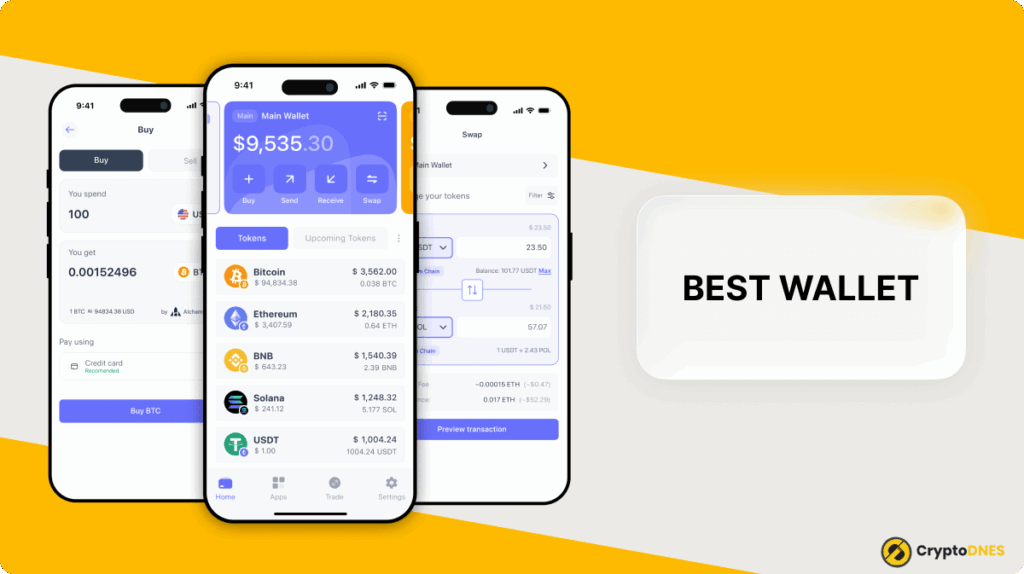
If you don’t need a separate gadget, Best Wallet is a strong software wallet alternative: a free iOS/Android app with multi-chain support, built-in DEX aggregation, and smooth mobile UX.
You can securely buy assets, track portfolios, and connect to decentralized applications without extra cables. It’s not a cold wallet, so don’t vault your entire bag there – but for daily spending, sniping presales, and testing new chains, it’s extremely handy. Pair it with a hardware wallet for “hot + cold” balance.
What Happens if a Hardware Wallet Breaks?
If a hardware wallet breaks, your crypto assets remain safe because they live on the blockchain, not the device. The wallet only stores your private keys and signs transactions. As long as you have your recovery seed or backup (like Cypherock’s shard cards), you can restore access on another compatible wallet, whether it’s a new Ledger, Trezor, or even a software client.
Without that backup, funds are lost permanently, since only you can control the keys. If your device stops working, is damaged, or gets stolen, simply buy a replacement, re-enter your recovery phrase during the initial setup, and you’ll regain access to your accounts.
Final Thoughts: Is Buying a Hardware Wallet Worth It?
Yes, if you hold a meaningful amount or don’t want your coins living on an exchange, a hardware wallet is the best mix of usability and security. You’ll keep control of keys and reduce exposure to hackers and malware. If you mostly move small sums, a good mobile wallet may feel smoother day to day. Still, it’s smart to additionally keep long-term funds on a device that’s offline and hardened. Diversify: hardware for vaulting, software for spending. That split saves headaches.
Best Hard Wallets FAQs
Is Ledger Nano X safe?
Can I lose my digital assets with hardware wallets?
Do hardware wallets support mobile phones?
What happens if my hardware wallet is stolen?
Are hardware wallets better for storing crypto than exchanges?
Resources: